 Serenity Software
GENERATED PDF FILE IS EMPTY WKHTMLTOPDF #6343


-
|
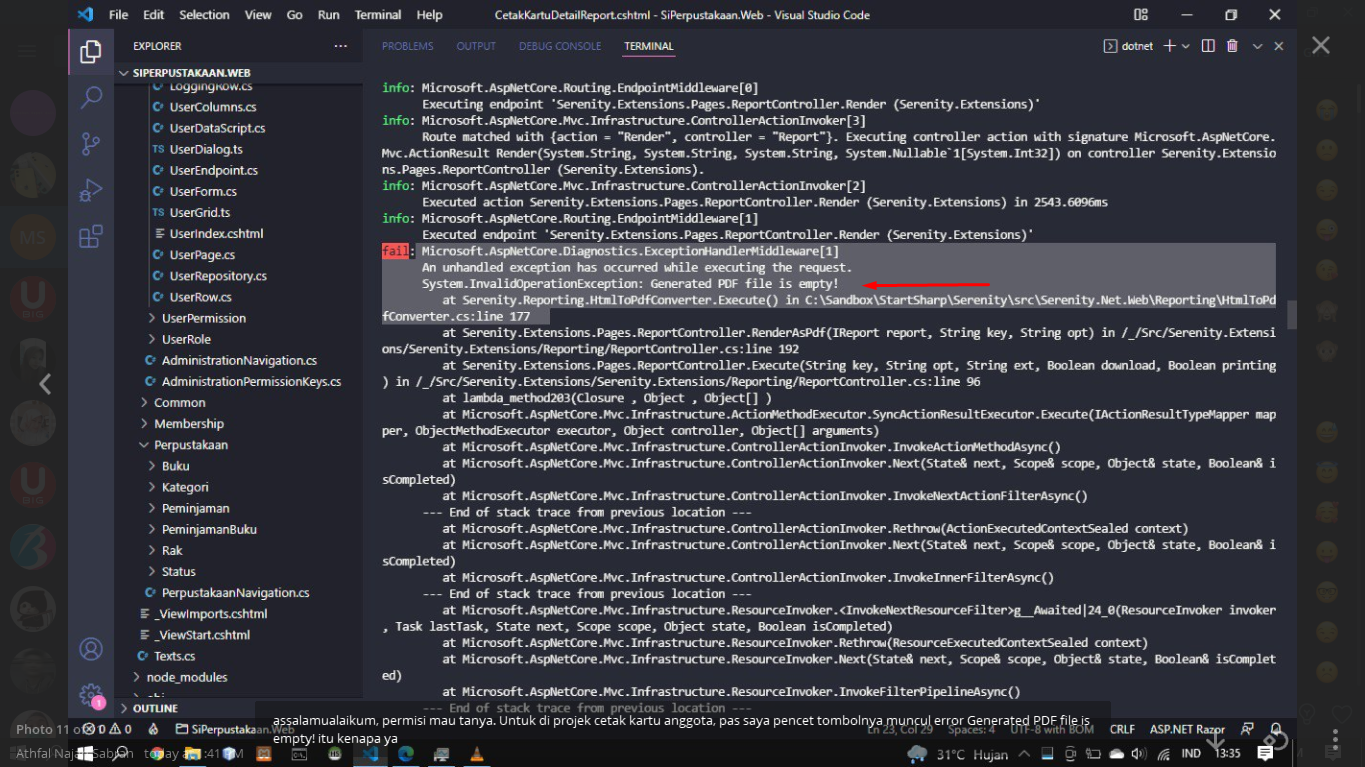
Hi, I want to ask. I got an error after rendering PDF using WKHTMLTOPDF, previously I was able to render using WKHTMLTOPDF and it worked fine, but after I changed to the latest version of Serenity Community, I got an error, where the error is GENERATED PDF FILE IS EMPTY. Thank you, hopefully someone will experience this and help me |
Beta Was this translation helpful? Give feedback.
Replies: 2 comments 3 replies

-
|
I had this problem too. Finally I found a way. Check your appsettings.json for EnvironmentSettings and write your Url like this for publish If you have problem still, you must sure wkhtmltopdf.exe (true version) in your solution main folder. I hope this will be helpful. |
Beta Was this translation helpful? Give feedback.

-
|
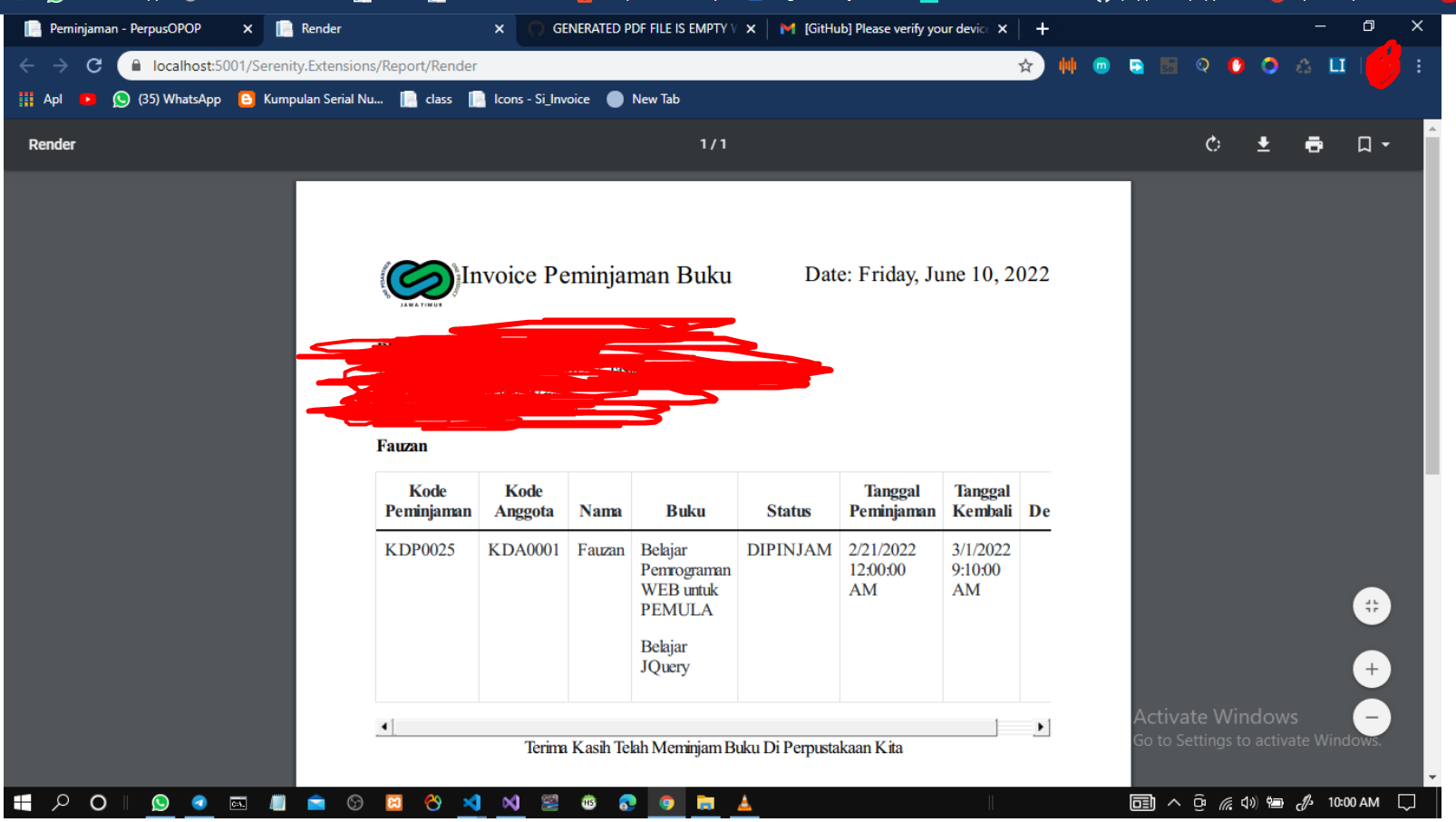
Thank you very much it works! |
Beta Was this translation helpful? Give feedback.

-
|
@ahmadfauzanarif please remove or blur the phone number email and address information from your images. |
Beta Was this translation helpful? Give feedback.
-
|
@VictorTomaili Done |
Beta Was this translation helpful? Give feedback.

-
|
Mine works in the VPS when running it internally in the server but not outside the server |
Beta Was this translation helpful? Give feedback.


I had this problem too. Finally I found a way. Check your appsettings.json for EnvironmentSettings and write your Url like this
for local
"EnvironmentSettings": {
"SiteExternalUrl": "https://localhost:yourport/"
},
for publish
"EnvironmentSettings": {
"SiteExternalUrl": "yourexternalurl/"
},
and after add this pasage to your webconfig
for local
for publish
If you have problem still, you must sure wkhtmltopdf.exe (true version) in your solution main fol…