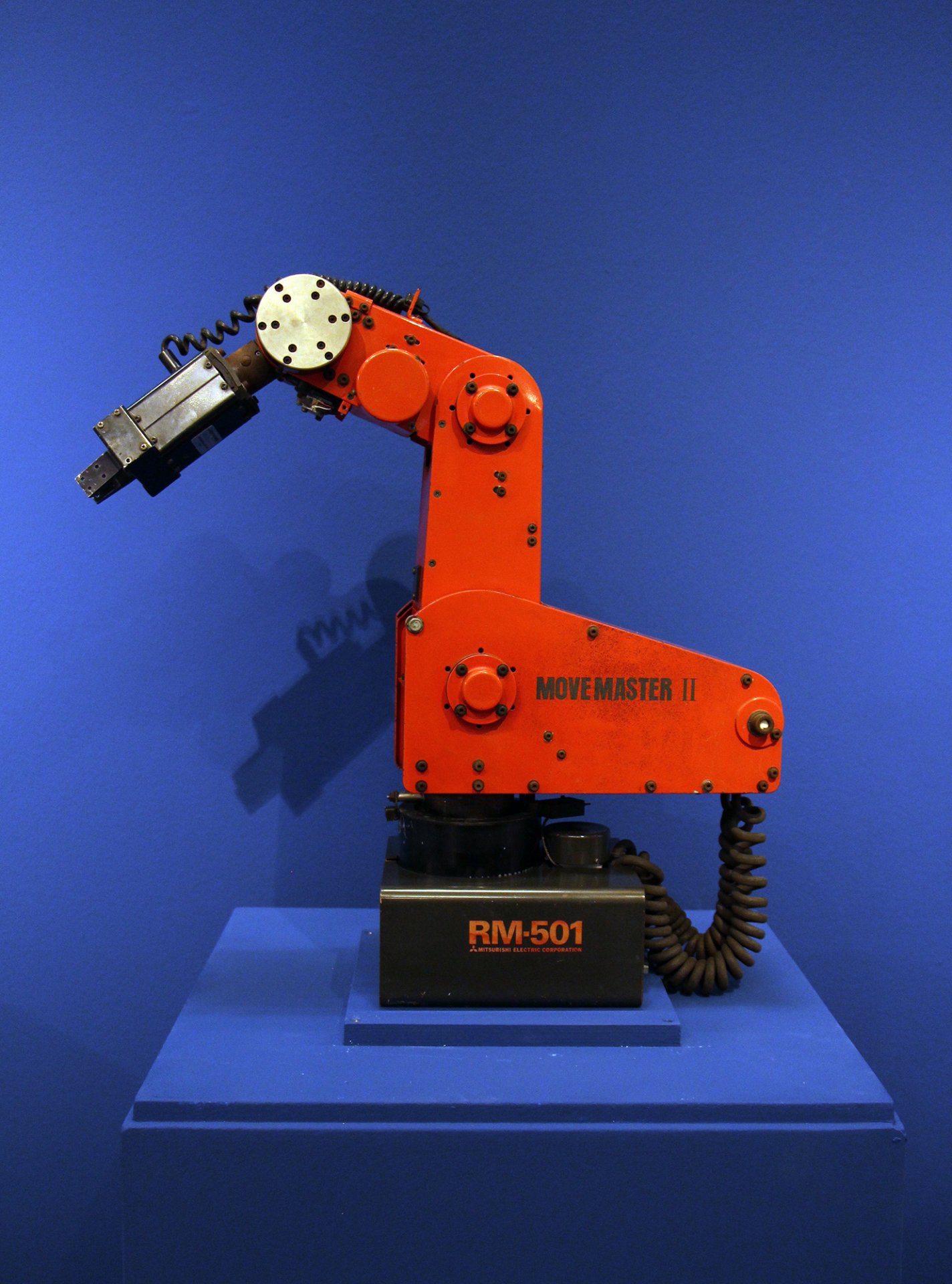
This project provides a control system for the Mitsubishi RM501 Move Master II robotic arm using a Raspberry Pi and RoboClaw motor controllers. The system features a Streamlit-based user interface for intuitive robot control, position saving, and sequence automation.
- Interactive UI Control: Position control via sliders and buttons
- Waypoint Management: Save, load, and execute robot positions
- CSV Support: Import/export position sequences
- Differential Wrist Control: Precise control of wrist pitch and roll
- Gripper Control: Open/close with adjustable timing
- Raspberry Pi connected to RM501 via RoboClaw controllers
- Python 3.6+
- Required Python packages (see Installation)
To calibrate run rm501_lib/roboclaw_python/calibrate_arm_v2.py.
To run mini-app:
cd rm501_lib/roboclaw_python
streamlit run app_csv_wrist.py
This script launches a Streamlit-based UI to control the RM501 robotic arm using sliders and buttons. It allows users to:
- Manually control the arm via UI controls.
- Save waypoints (specific arm positions).
- Save and load sequences of waypoints from CSV files.
- Calibrate the arm and claw.
- Execute saved movement sequences.
- Establishes serial communication with the RM501 roboclaw motor controllers.
- Initializes encoder values and sets default motor positions.
- Closes the gripper on startup.
- Sliders to control Motor 1, 2, 3.
- Buttons to move the wrist (up, down, left, right).
- Controls to open/close the gripper with a set duration.
- Save current arm positions as waypoints.
- Load previously saved waypoints from CSV files.
- Modify waypoint sequences and execute movements.
- Calibrate the arm and claw.
- Set and return to claw zero position.
- Click each waypoint to move the arm to a saved position.
- Execute all saved positions in sequence automatically.
- Displays real-time joint angles for each motor.
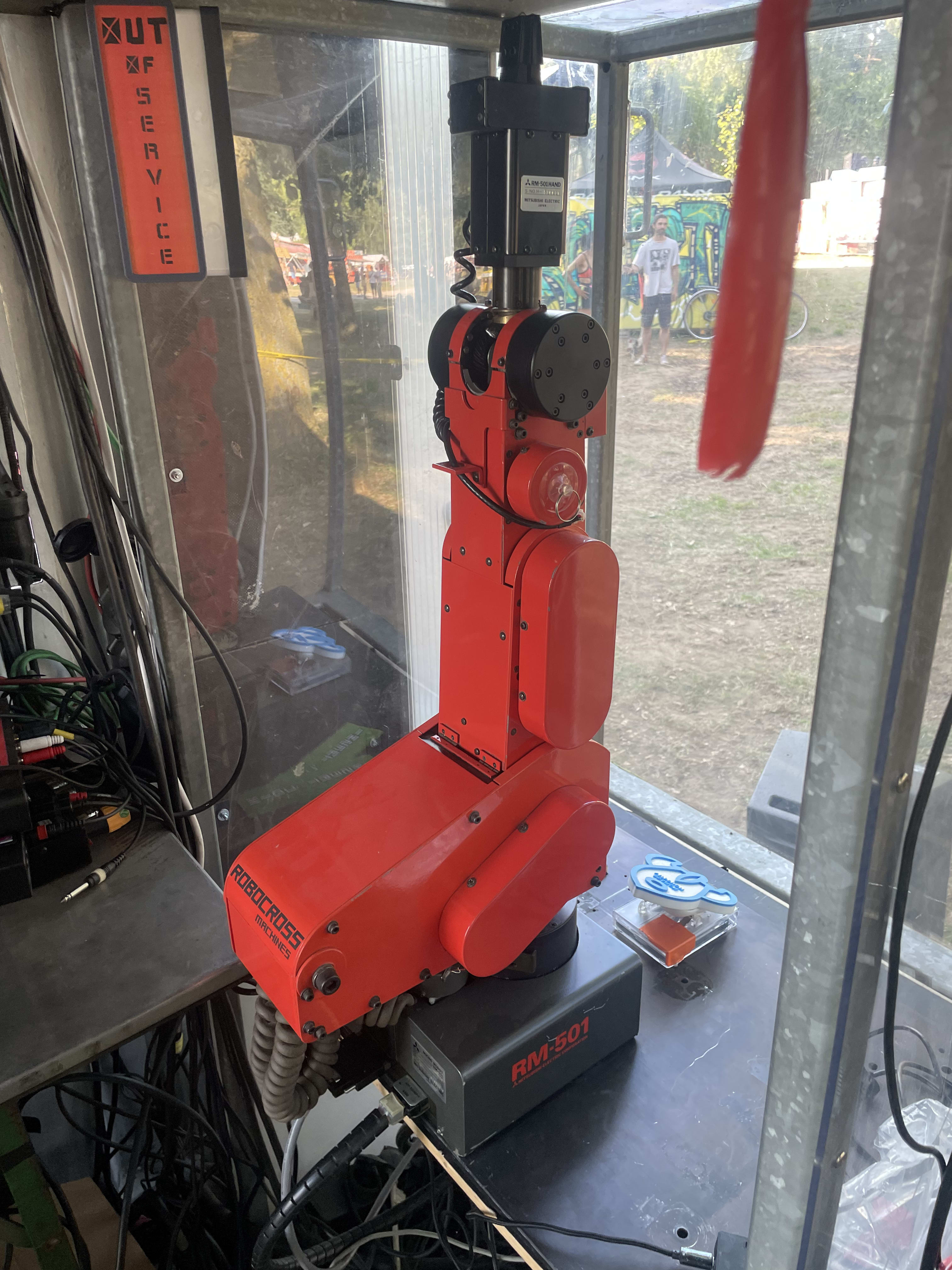
Ensure the RM501 robotic arm is connected to the Raspberry Pi before running:
streamlit run app_wrist_csv.py- Move the arm manually using sliders and buttons.
- Save specific positions by entering a name and clicking Save Position.
- Load saved positions from a CSV file.
- Click on saved waypoints to move the arm.
- Execute all saved waypoints sequentially.
- Calibrate the arm and claw before precise movements.
- Enter a CSV file name and click Save Positions to store waypoints.
- To reload a sequence, enter the file name and click Load Positions.
- Positions can be modified and executed step-by-step.
Click Execute Saved Positions to move through all stored waypoints automatically.
- The arm must be calibrated before execution.
- The claw must point upwards with the red stripe facing forward before operation.
- The Raspberry Pi must be connected to the RM501 roboclaw.